Mollymawk is a unikernel itself, and communicates via TLS with albatross. It preserves state about users and configuration for the remote albatross instances.
The assumption is that only mollymawk maintains and modifies the albatross that is running - it is not supported that you run other administrative tasks (such as modifying the policies) while mollymawk is running.
Installation
You can download the unikernel binary from our reproducible build infrastructure. Download the bin/mollymawk.hvt artifact.
You need as well solo5-hvt which our reproducible build infrastructure builds for select platforms.
If we don’t build for your platform you need to build it yourself.
Building from source (alternative)
Here we document how to build the unikernel from source.
Prerequisites
First, make sure to have “opam” and “mirage” installed on your system.
Git repository
Do a git clone https://github.com/robur-coop/mollymawk.git to retrieve the
source code of Mollymawk.
Building
Inside of the cloned repository, execute mirage configure (other targets are
available, please check the mirage documentation):
$ cd mollymawk
$ mirage configure -t hvt
$ make
The result is a binary, dist/mollymawk.hvt, which we will use later.
Building solo5 from source (alternative)
See the instructions in doc/building.md in the Solo5 source tree.
Launching Mollymawk
To launch the unikernel, you need a solo5 tender (that the Building section already installed).
$ solo5-hvt mollymawk.hvt
You should see an address that opens Mollymawk on the browswer.
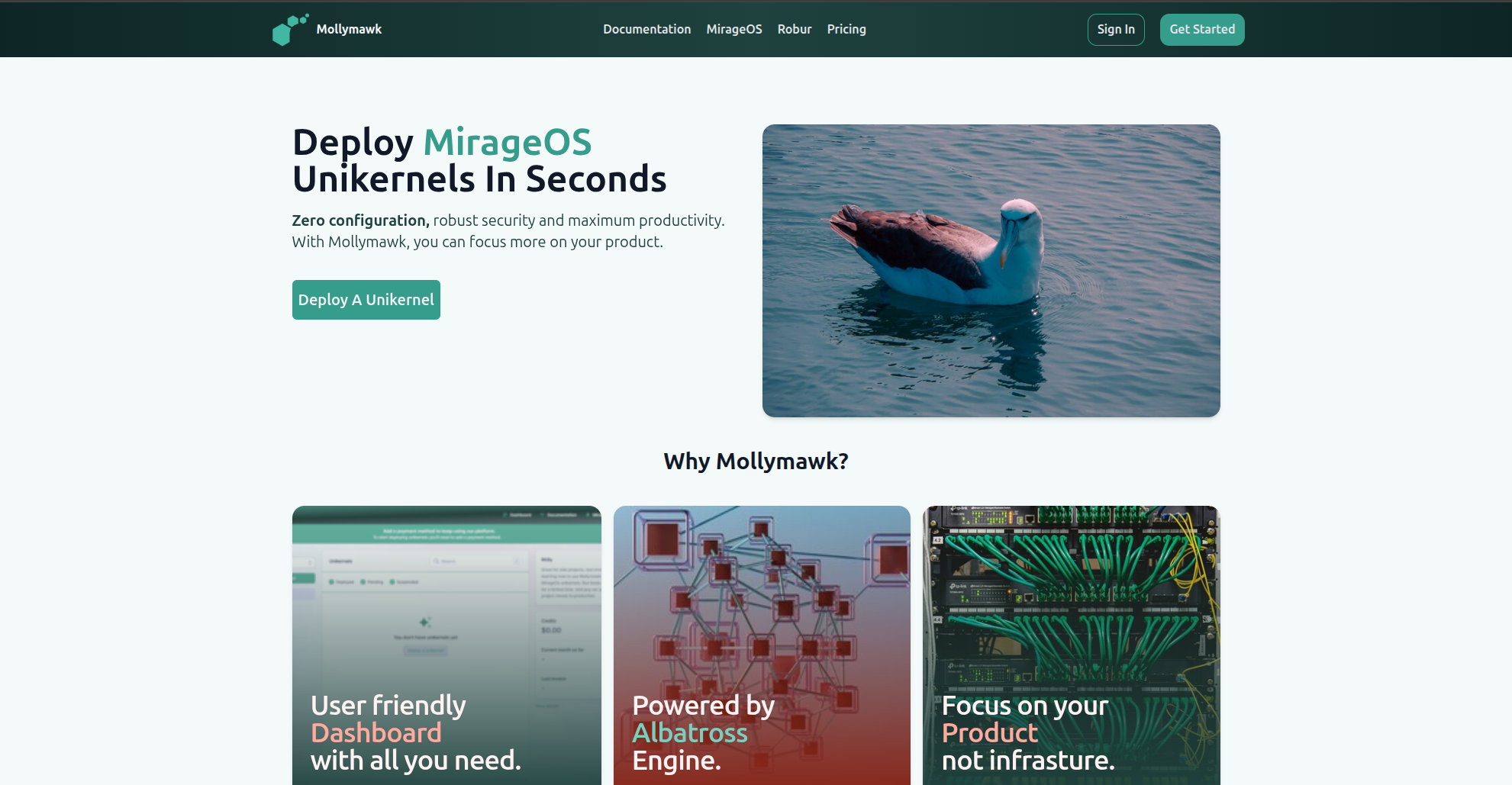
Robur’s Mollymawk
We have a live version of mollymawk deployed at https://mollymawk.robur.coop.