Managing Albatross
Albatross is the engine that runs behind Mollymawk. It is responsible for the low level work necessary to deploy unikernels, destroy, update them, as well as block devices and other resources. Mollymawk is the UI that communicates with Albatross.
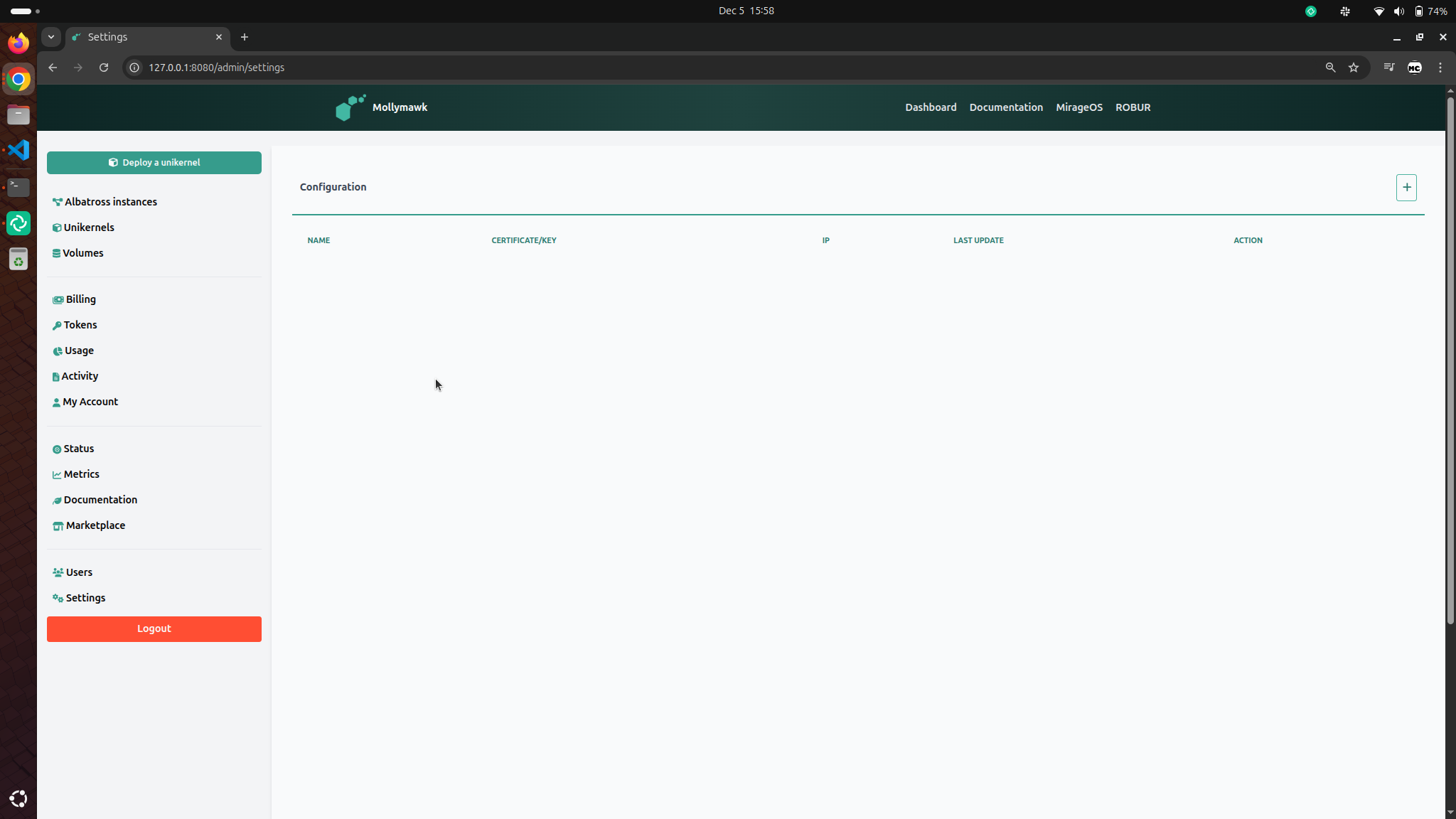
Mollymawk is able to manage actions regarding multiple albatross servers. To add a new albatross server, click the [+] button after navigating to the Settings page from the sidebar.
Albatross Server Configuration
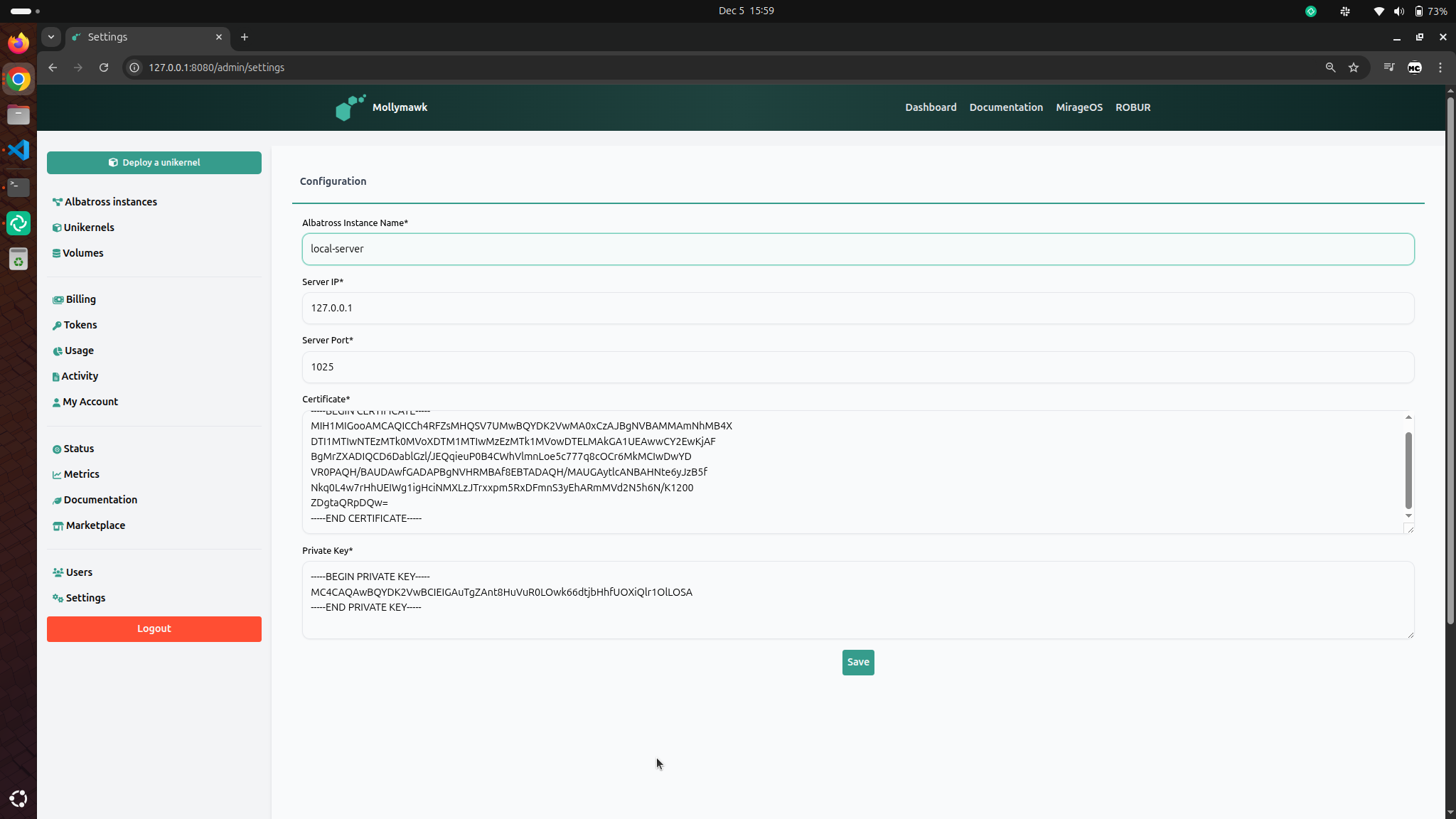
Information needed per instance
- Name – Friendly label (e.g.,
prod-eu-1) - IP – e.g.,
10.0.42.15 - Port – Default for albatross is 1025
- Certificate – The contents of the certificate file. See Generating an Albatross certificate and key
- Key – The contents of the certificate’s key file. See Generating an Albatross certificate and key
Adding a new Albatross server
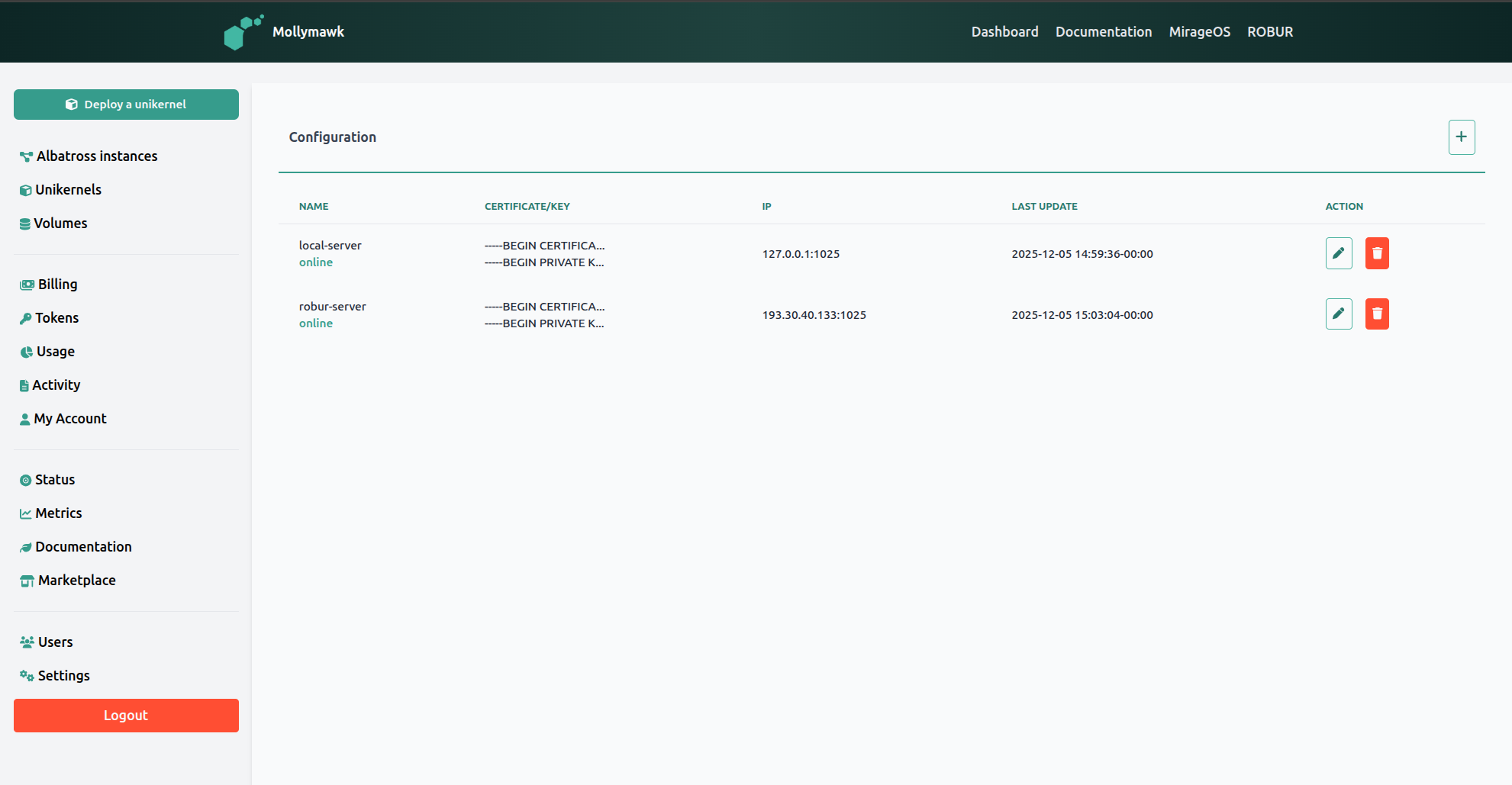
An albatross server can only be succesfully added if Mollymawk can succesfully connect to it. This implies the albatross server is online, healthy and can start accepting commands from Mollymawk. After a succesful connection, mollymawk will redirect to the settings page, listing the albatross server as online.
Updating or Removing an Albatross server
On the settings page, you can modify, or delete an albatross server configuration.